GitHub Codespaces + VS Code: Hello World Python
Run Python without installing anything on your laptop
GitHub Codespaces lets you open a complete development environment directly in your browser. It feels like VS Code, but runs on GitHub’s cloud machines.
For beginners, classrooms.
👉 GitHub Links
GitHub repository
GitHub Codespace
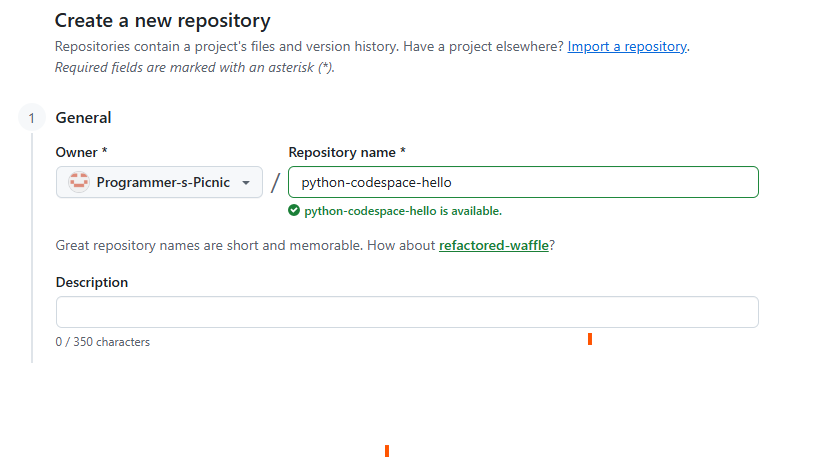
Step 1: Create a GitHub Repository
- Login to GitHub
- Click New Repository
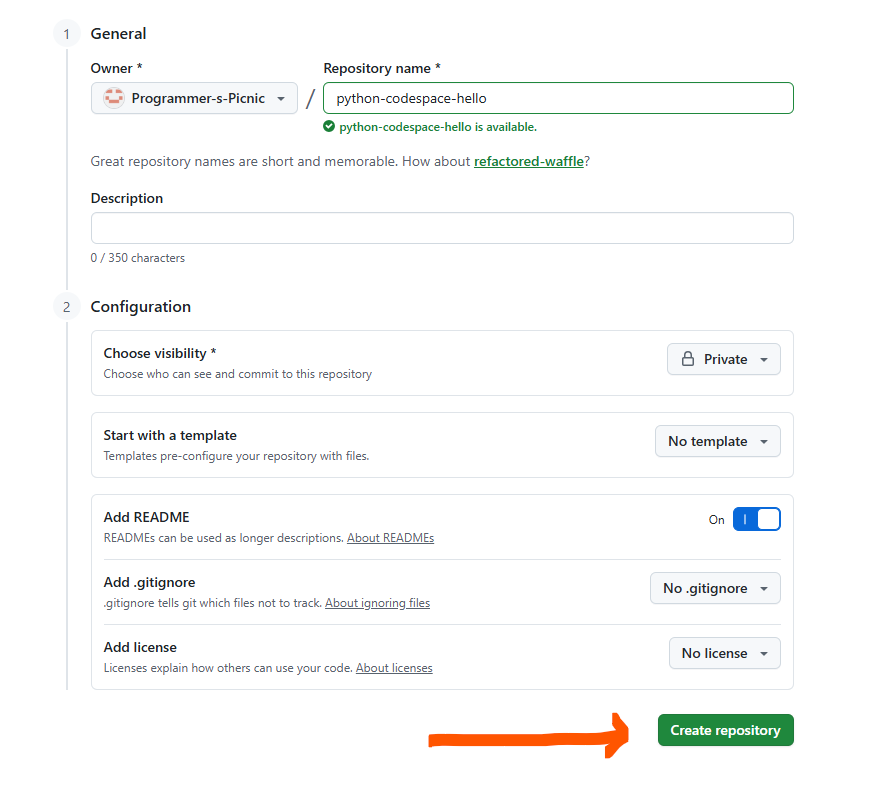
- Name it
python-codespace-hello - Select Add README
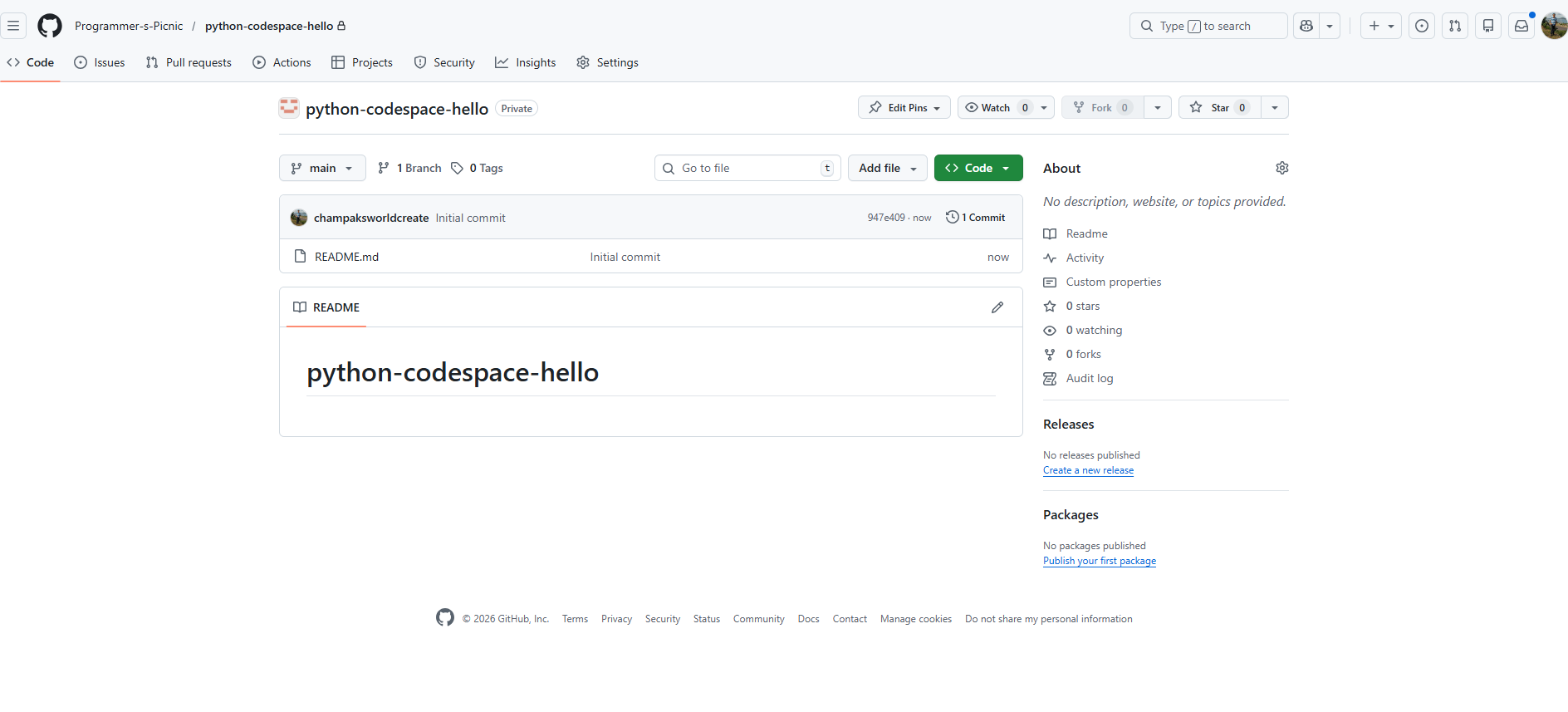
- Click Create repository
📷– Creating a new GitHub repository

📎 Dummy link:
How to create a GitHub repository
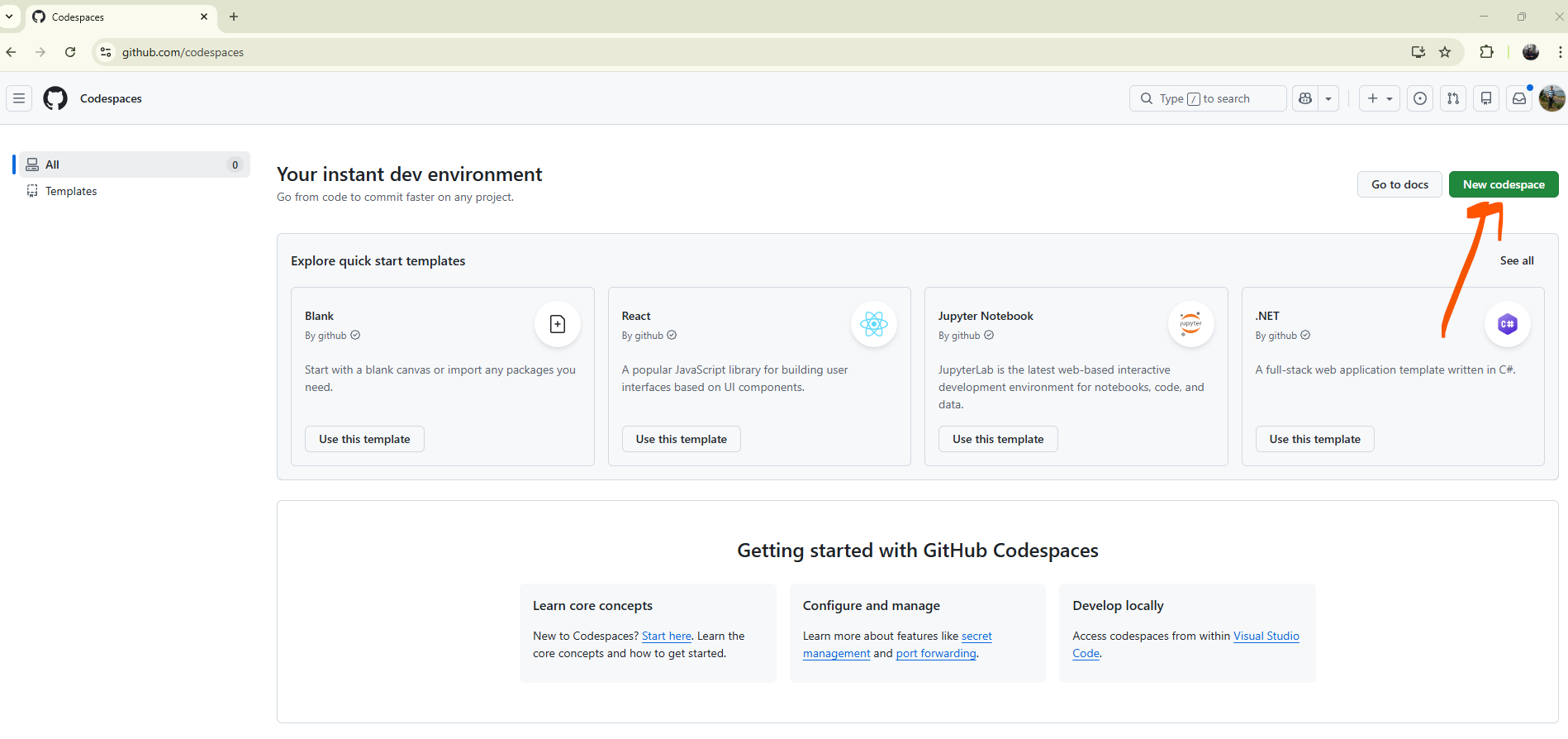
Step 2: Create a Codespace
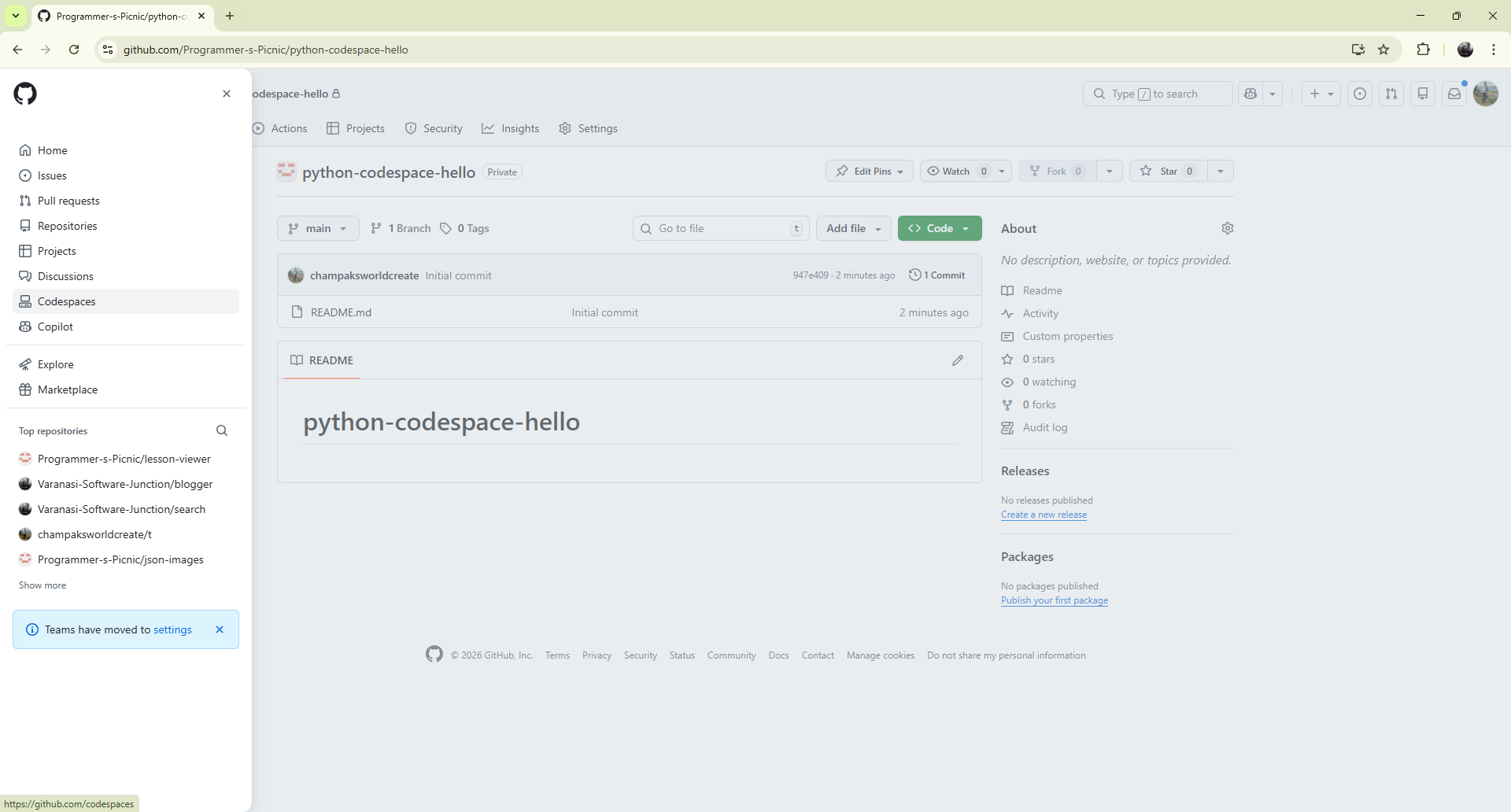
- Open your repository on GitHub
- Click the green <> Code button
- Switch to the Codespaces tab
- Click Create codespace on main
📷 – Create Codespace button
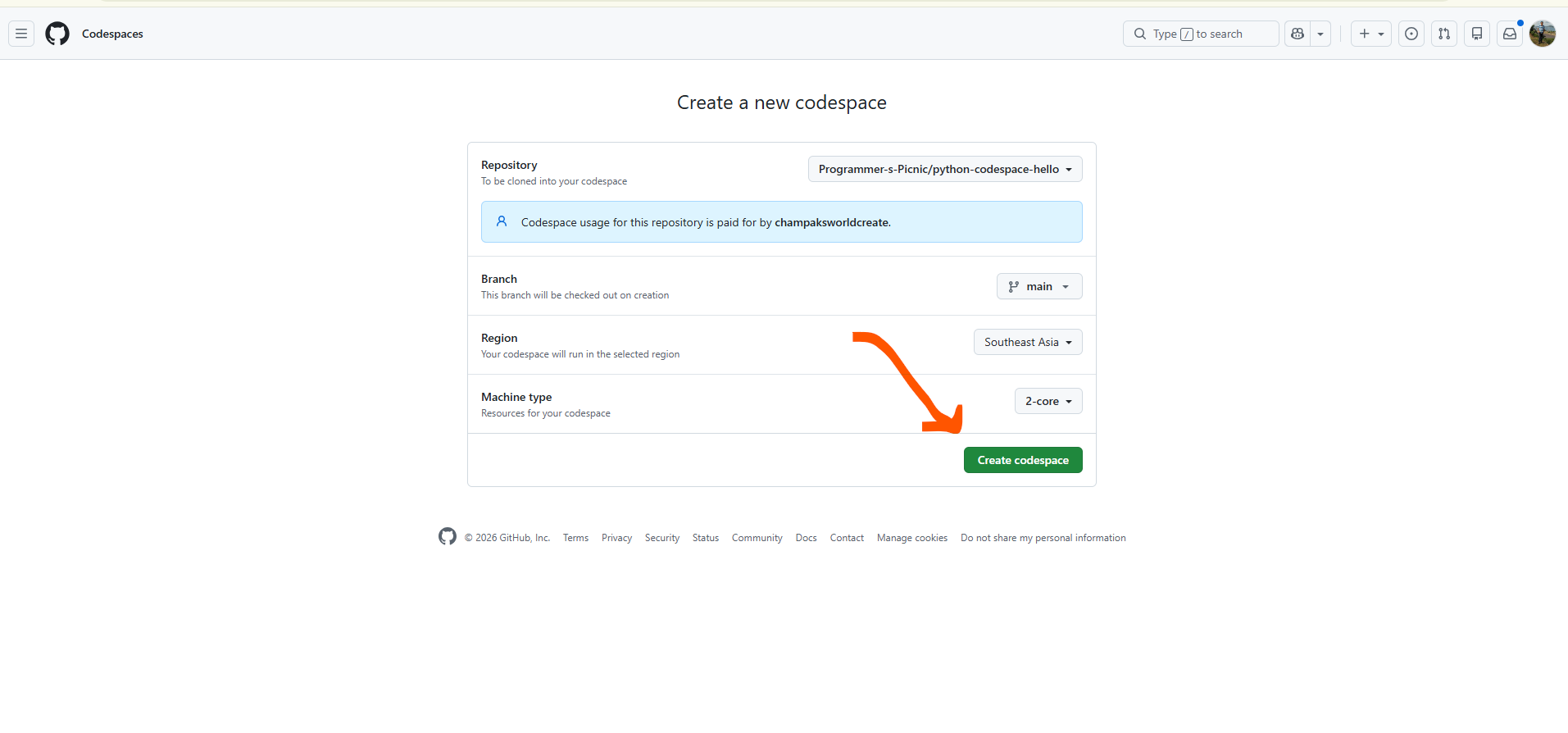
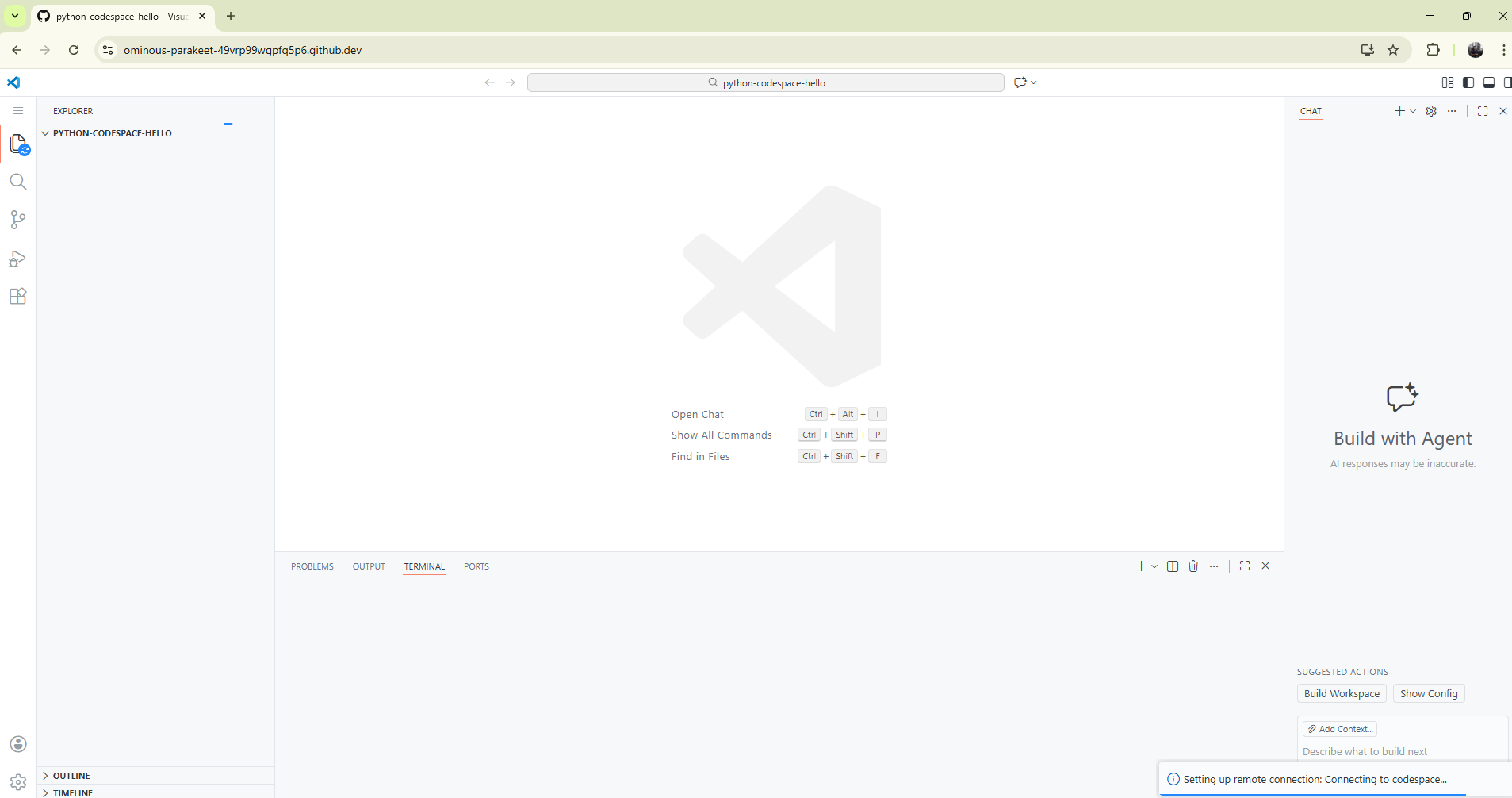
📎 Dummy link:
Creating a GitHub Codespace
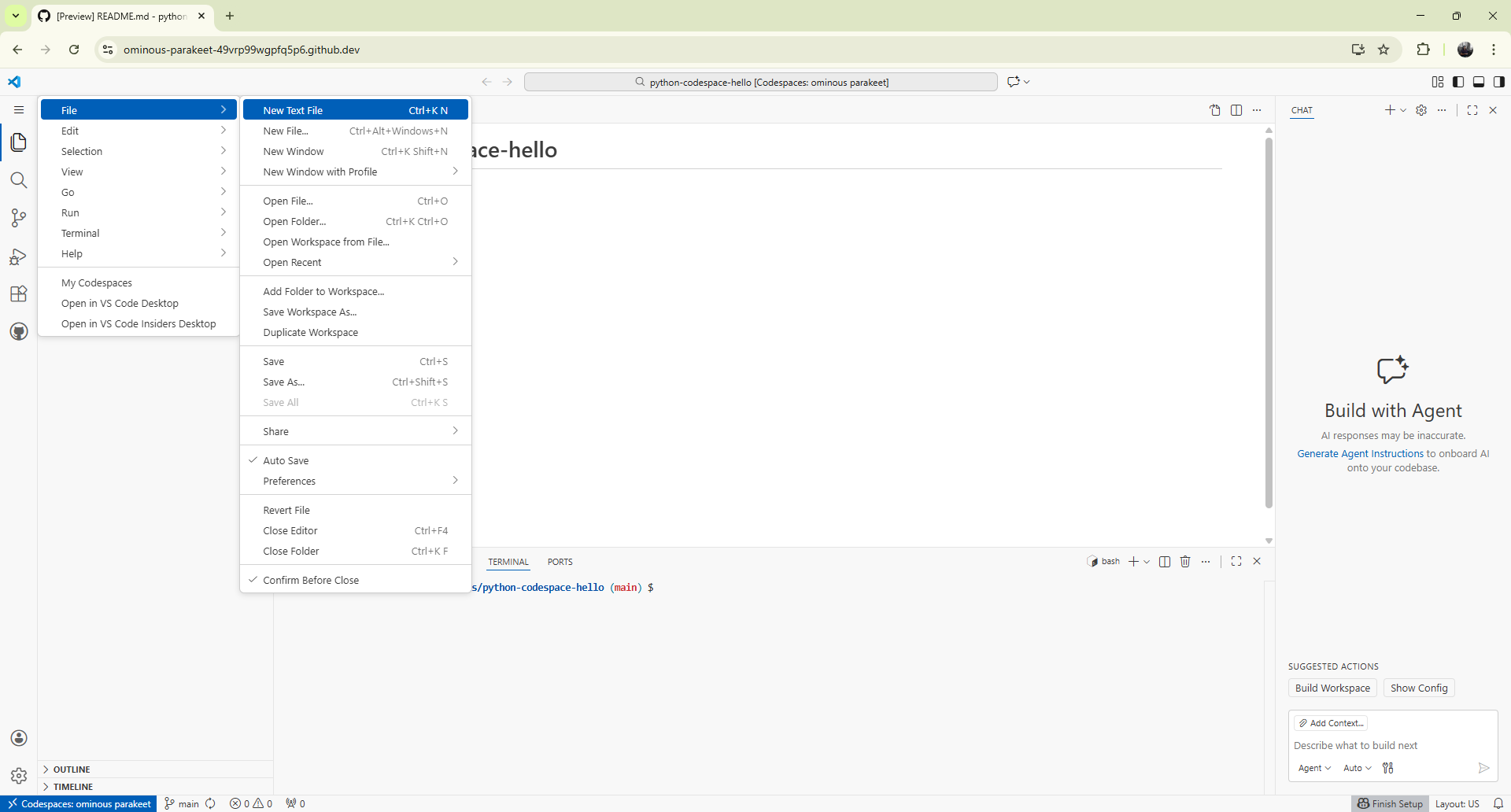
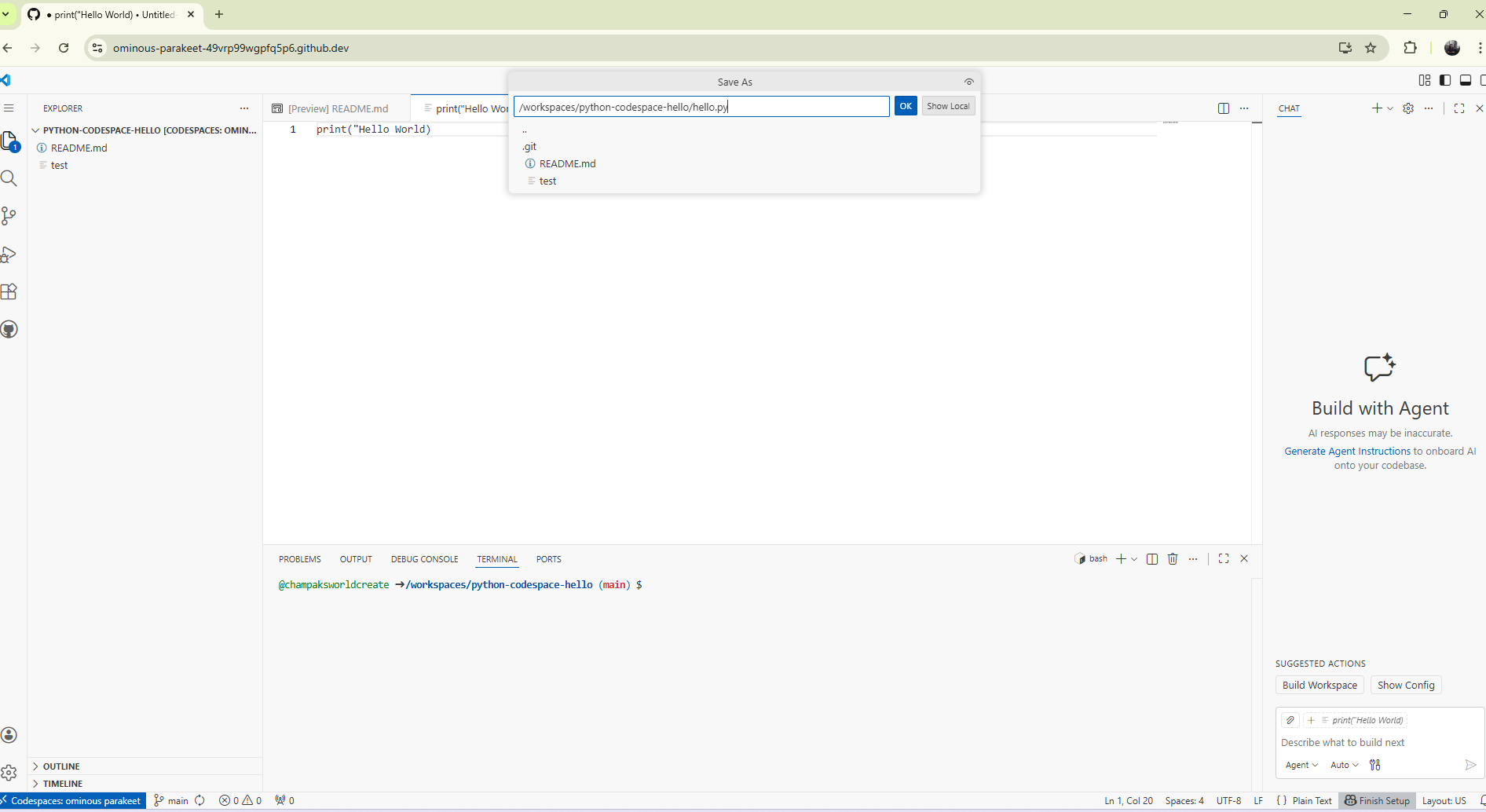
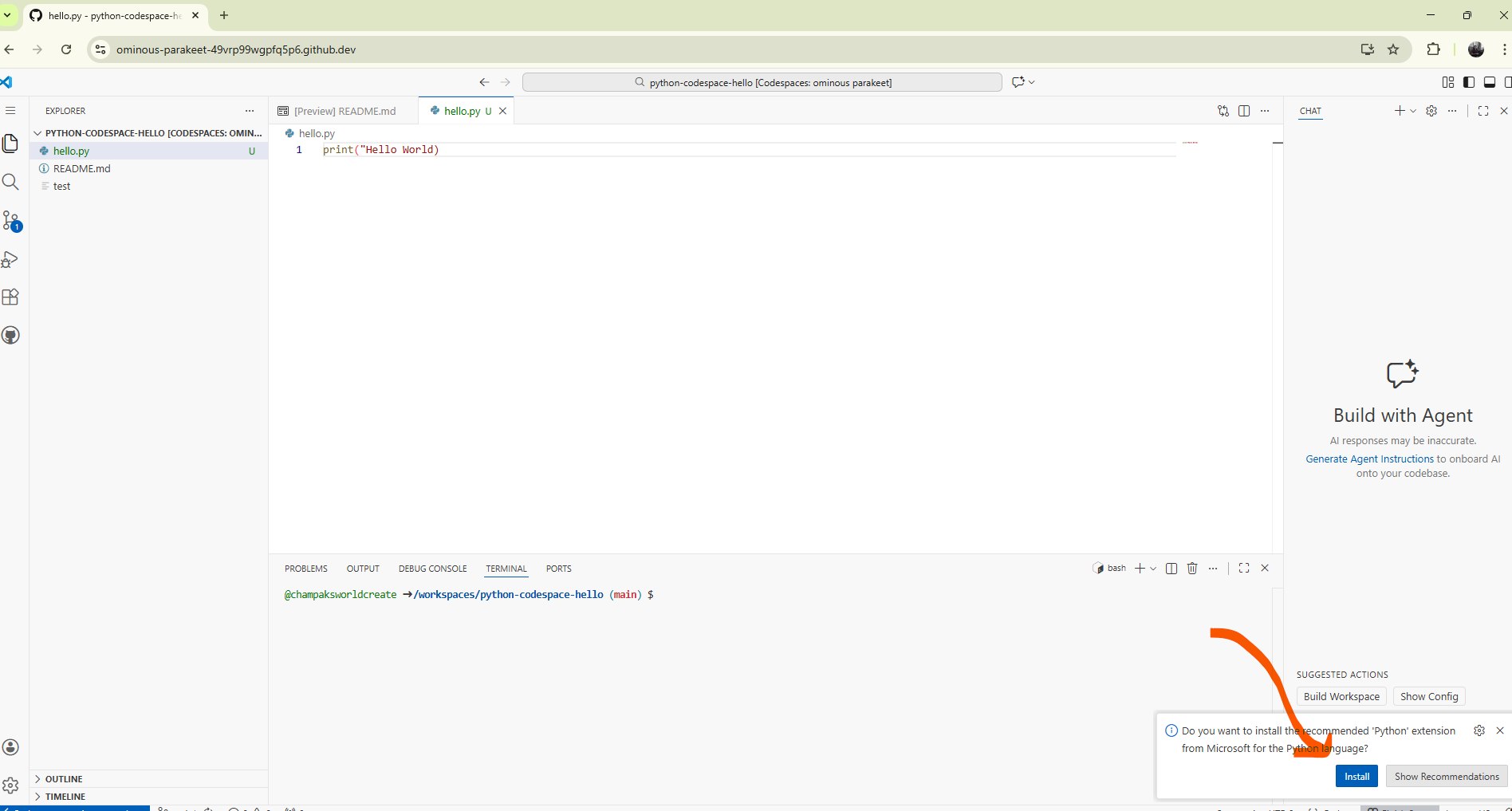
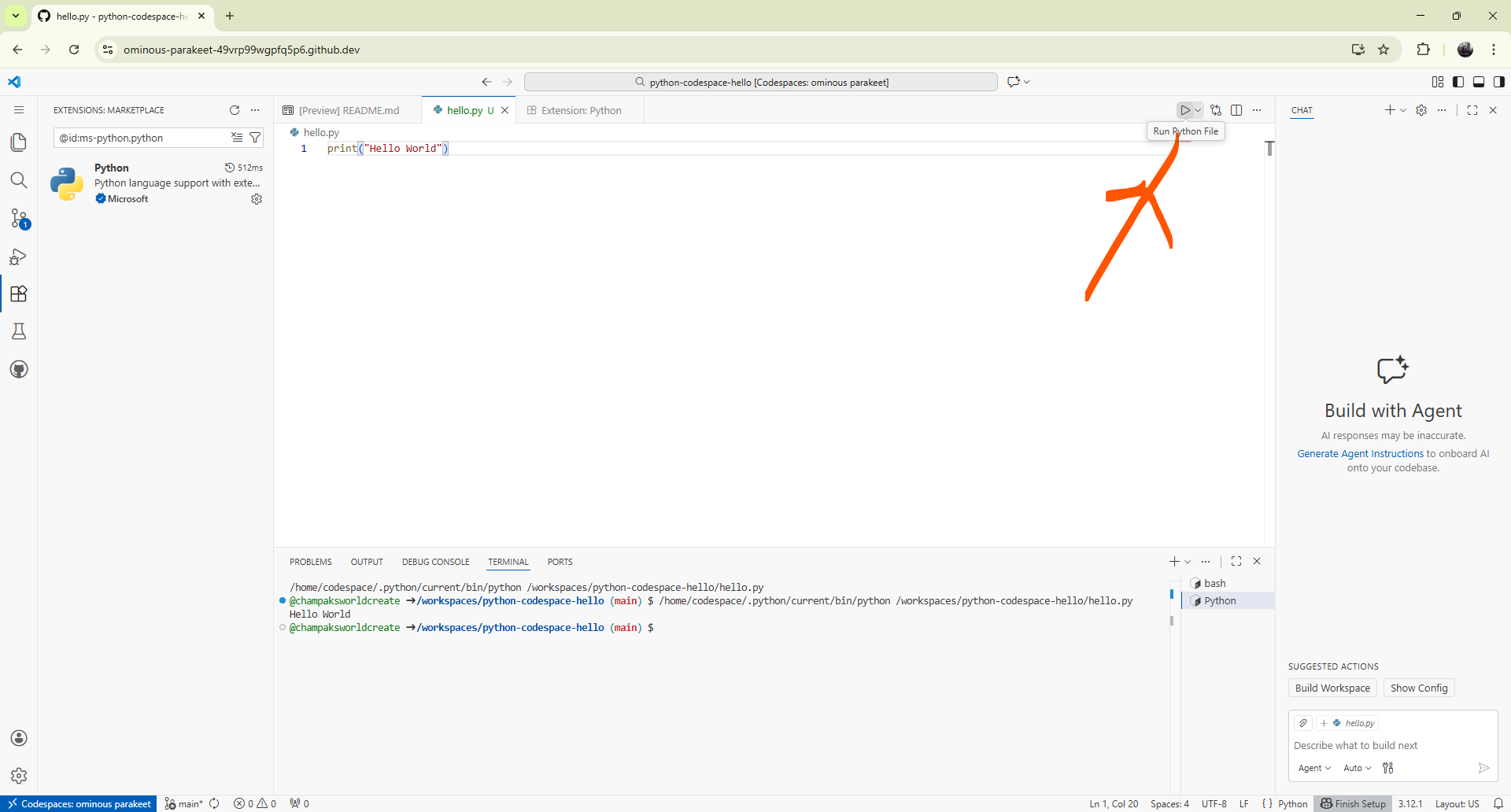
Step 3: Create hello.py
Inside Codespaces, create a new file named hello.py
and write your first Python program:
print("Hello, World! 👋")
print("Welcome to Python on GitHub Codespaces")
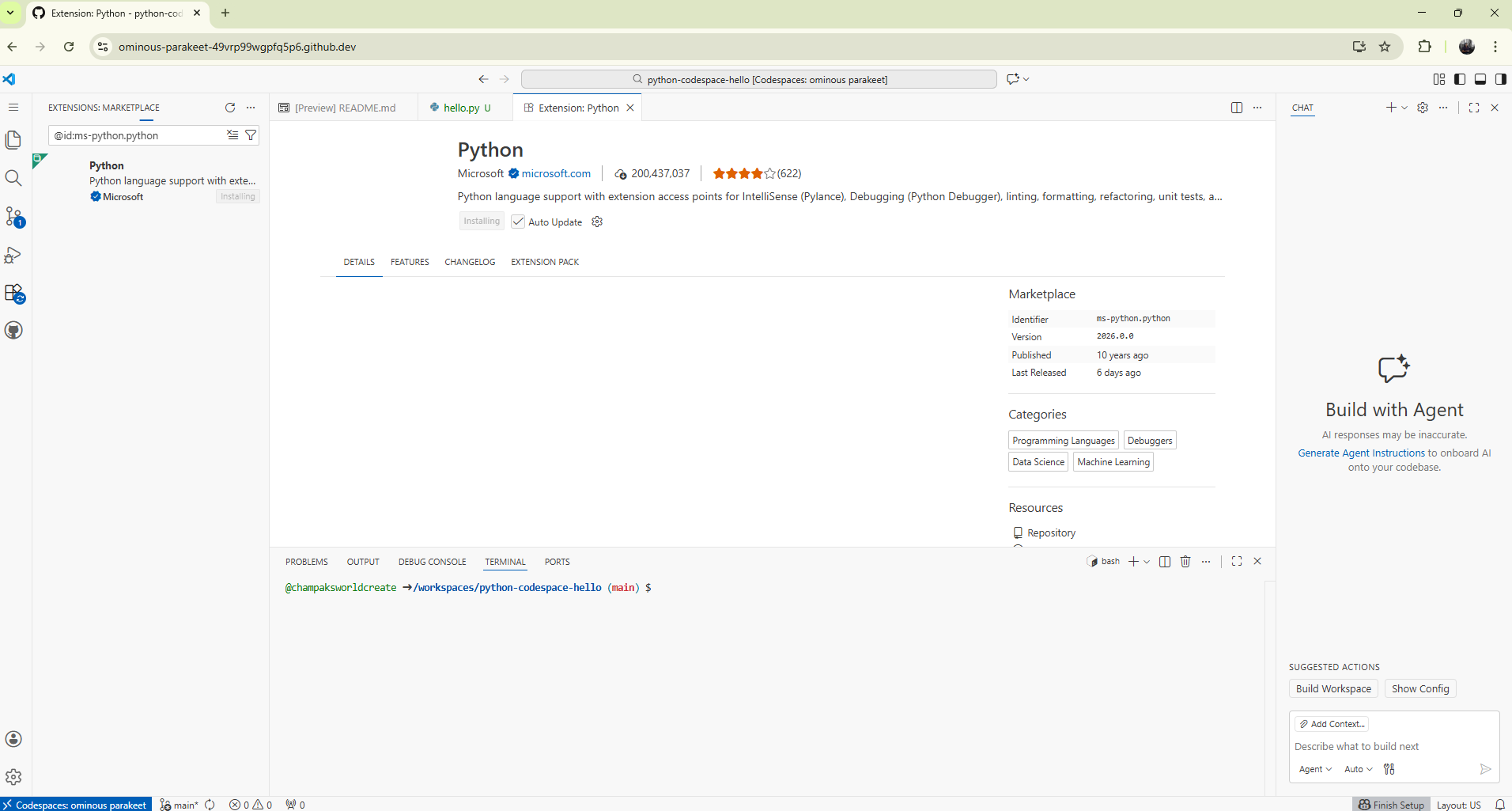
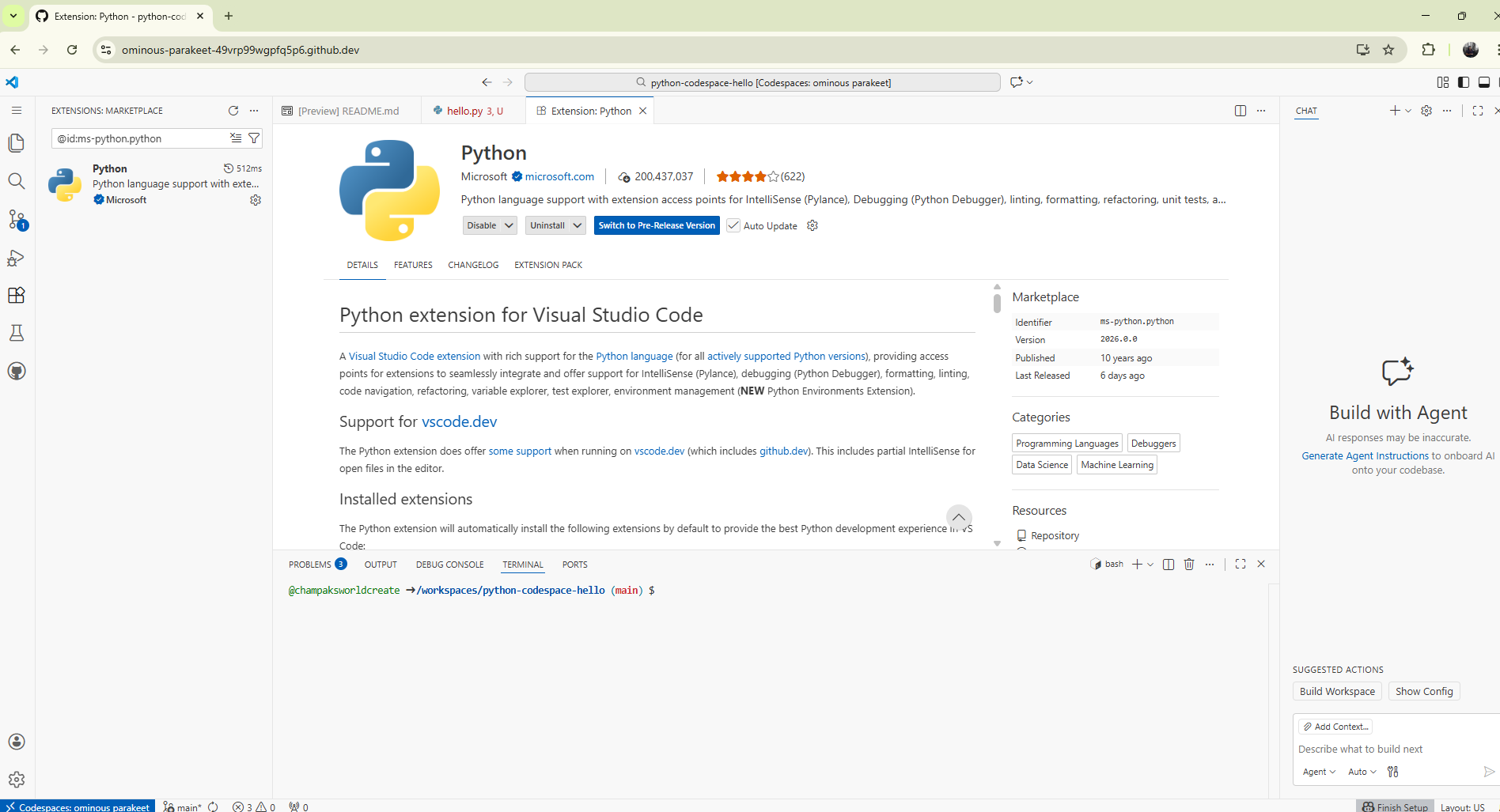
📷 Dummy Image – Writing hello.py in VS Code
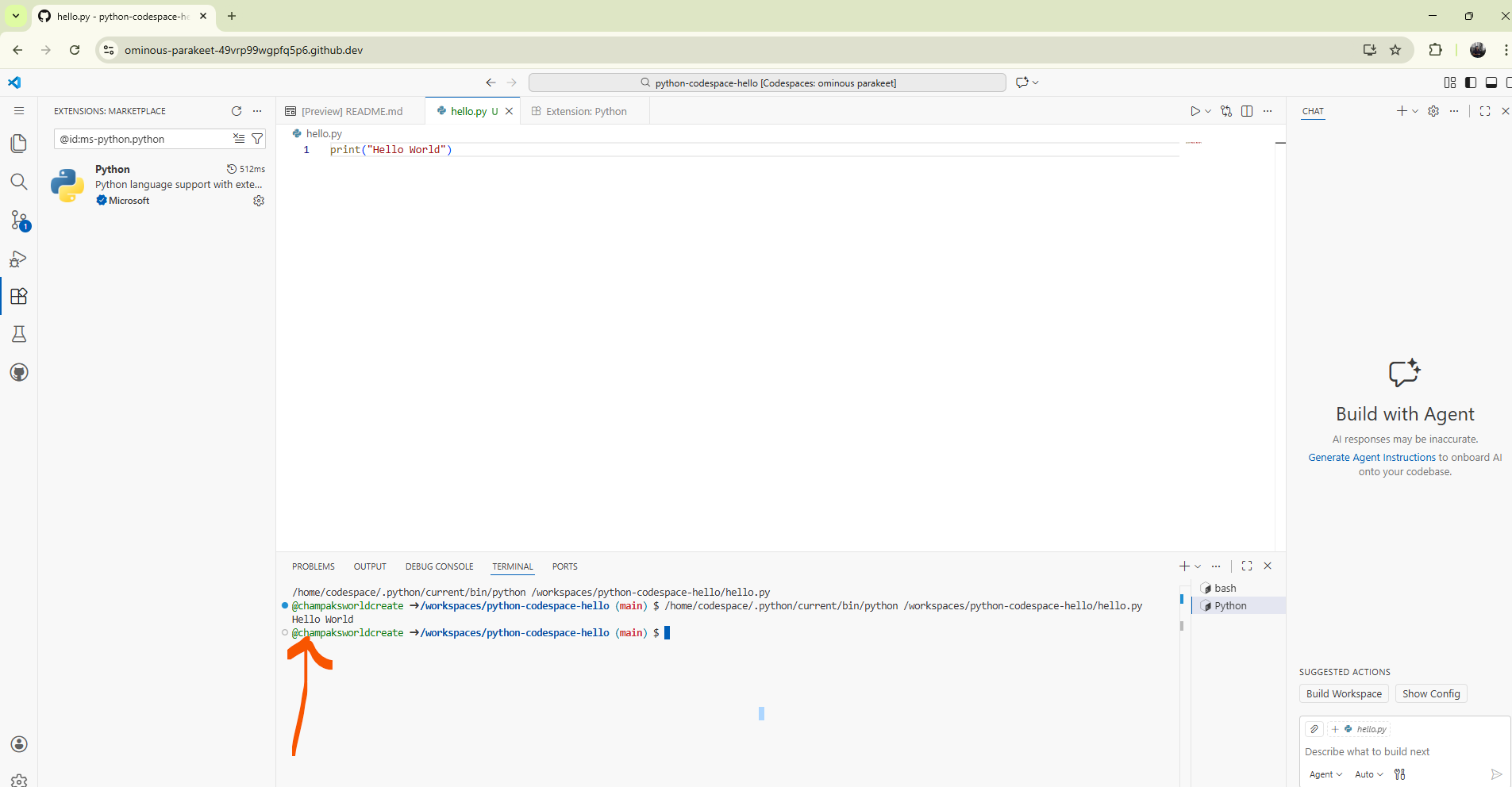
Step 4: Run the Program
Open the terminal and run:
python hello.py
📷 Dummy Image – Terminal output Hello World
If
python doesn’t work, try:
python3 hello.pyWhat’s Next?
- Input & Output programs
- Conditions and loops
- Mini Python projects
- NLP and libraries (NLTK, pandas)